What is Gemini Omni Flash 1.2?
Gemini Omni Flash 1.2 is Google's newest AI video model. You type what you want to see, or give it a photo, and it makes a video with sound already included: voices, sound effects and background noise. Clips can be 4 to 15 seconds long, wide or tall, and up to 4K.
It arrived on fal on November 5, 2026, and it is on Cinevane now. Google is also moving its own video app, Flow, to it: Google's Flow help page says Veo 3.1 Fast and Veo 3.1 Quality are retired there on December 5, 2026, with Omni Flash 1.2 or Veo 3.1 Lite to use instead.
What does it look like?
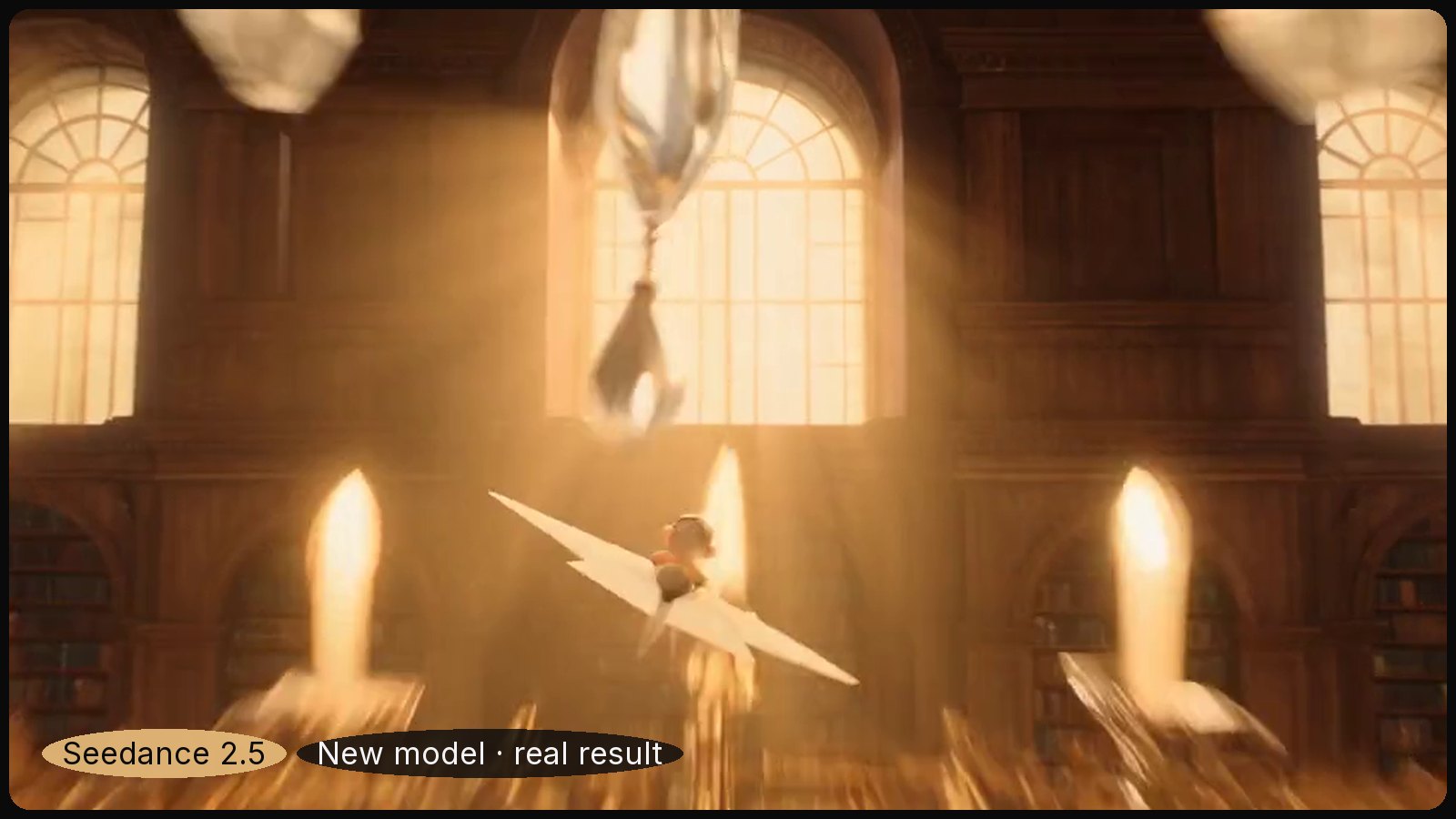
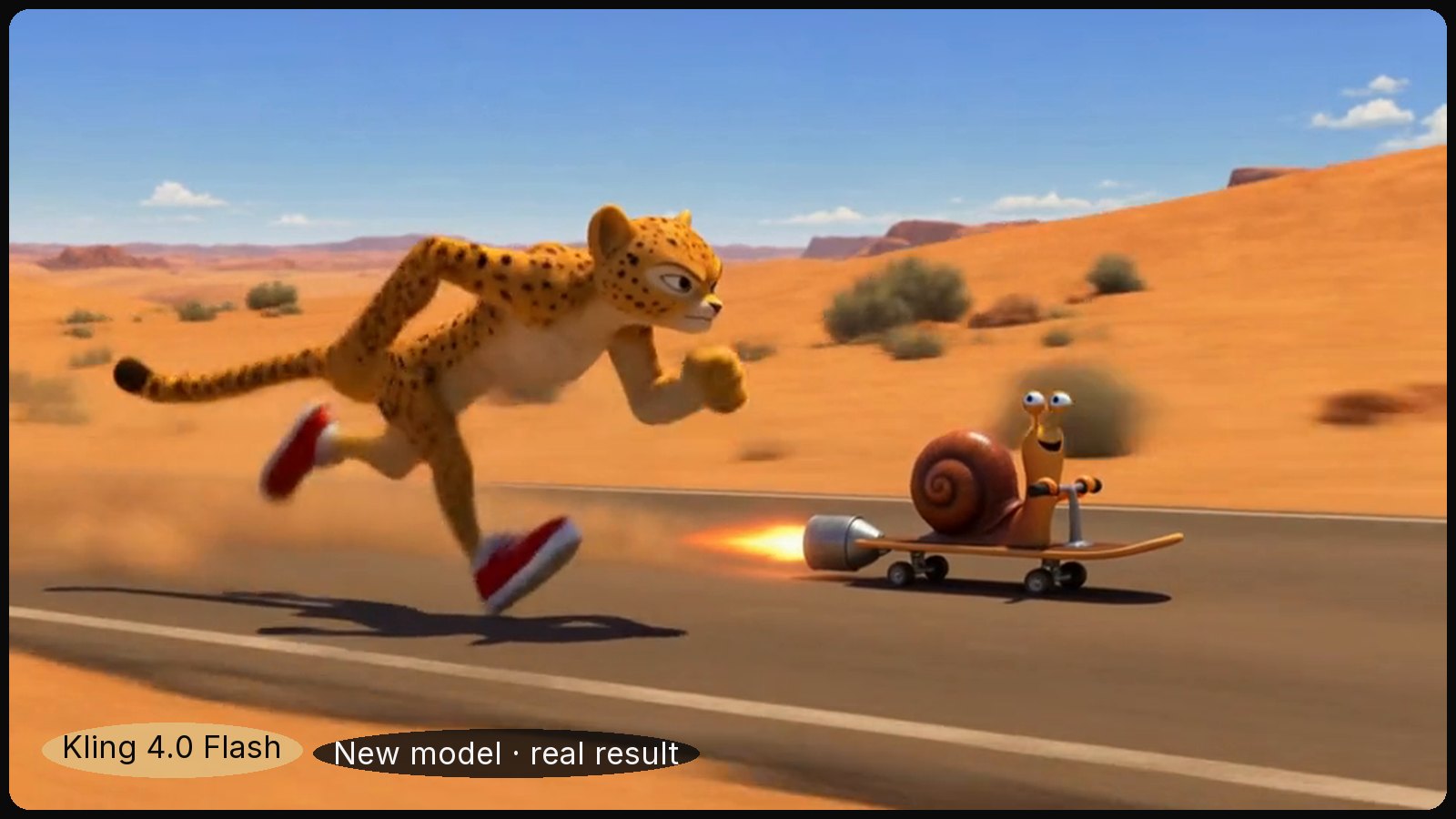
We gave it this one prompt. This is the real, unedited result. Click it to play with sound.
3D animated cartoon, vibrant colors, soft cinematic lighting: a grumpy old tortoise mail carrier hands a pink letter to an excited little bunny at her round front door. The bunny hops and squeals, "It's from Grandma!" The tortoise smiles slowly. Birds chirp in a sunny flower village.
What can it do?
- Text to video, and photo to video.
- A start and an end picture, so you control how the video begins and ends (up to 10 seconds with an end picture).
- Sound is always on: speech, effects and background sound, made together with the picture.
- 4, 6, 8, 10 or 15 seconds.
- 720p, 1080p or 4K, in wide 16:9 or tall 9:16 for TikTok and Reels.
How much does Gemini Omni Flash 1.2 cost?
On Cinevane, 1 credit is about 1 cent and every price includes sound:
| Length | 720p | 1080p | 4K |
|---|---|---|---|
| 4 seconds | 55 credits ($0.55) | 82 credits ($0.82) | 163 credits ($1.63) |
| 6 seconds | 82 credits ($0.82) | 123 credits ($1.23) | 245 credits ($2.45) |
| 8 seconds | 109 credits ($1.09) | 164 credits ($1.64) | 326 credits ($3.26) |
| 10 seconds | 136 credits ($1.36) | 204 credits ($2.04) | 407 credits ($4.07) |
| 15 seconds | 204 credits ($2.04) | 306 credits ($3.06) | 609 credits ($6.09) |
It is part of the Pro plan and up. Pro ($100 a month) gives 10,000 credits, which is about 90 videos of 8 seconds at 720p. If a video fails, you get your credits back automatically.
In Google's own Flow app it uses Flow credits: about 3 credits per second at 720p, with 50 free credits a day and more on Google AI plans (Google's Flow help page).
Is it better than Veo 3.1?
Here is how the two Google models compare on Cinevane:
| Gemini Omni Flash 1.2 | Veo 3.1 Fast | |
|---|---|---|
| Longest clip | 15 seconds | 8 seconds |
| 8 seconds at 720p with sound | 109 credits ($1.09) | 198 credits ($1.98) |
| End picture | Yes | No |
| Sound | Always on | On or off |
| 4K | Yes | Yes |
Omni Flash 1.2 is newer, makes longer clips and costs less for the same length. Veo 3.1 Fast lets you turn sound off. Compare more models in What is the best AI video generator in 2026?
How do you use Gemini Omni Flash 1.2?
- Open the video studio with Gemini Omni Flash 1.2 picked.
- Type the scene. If someone should speak, put their line in quotes, like the bunny's line above.
- Choose the length, the quality and the shape. Add a start picture if you want.
- Click Generate. It is usually ready in a minute or two, with sound, in your Library.
Other common questions
Can I turn the sound off?
No. Sound is always part of an Omni Flash 1.2 video. Mute it in your editor, or pick a model with a sound switch.
Can it make vertical videos?
Yes, 9:16 for TikTok, Reels and Shorts.
How do I write a good prompt for it?
Say who, doing what, where, and how the camera moves. See 25 text to video prompts that work.