How much does Veo 3.1 cost?
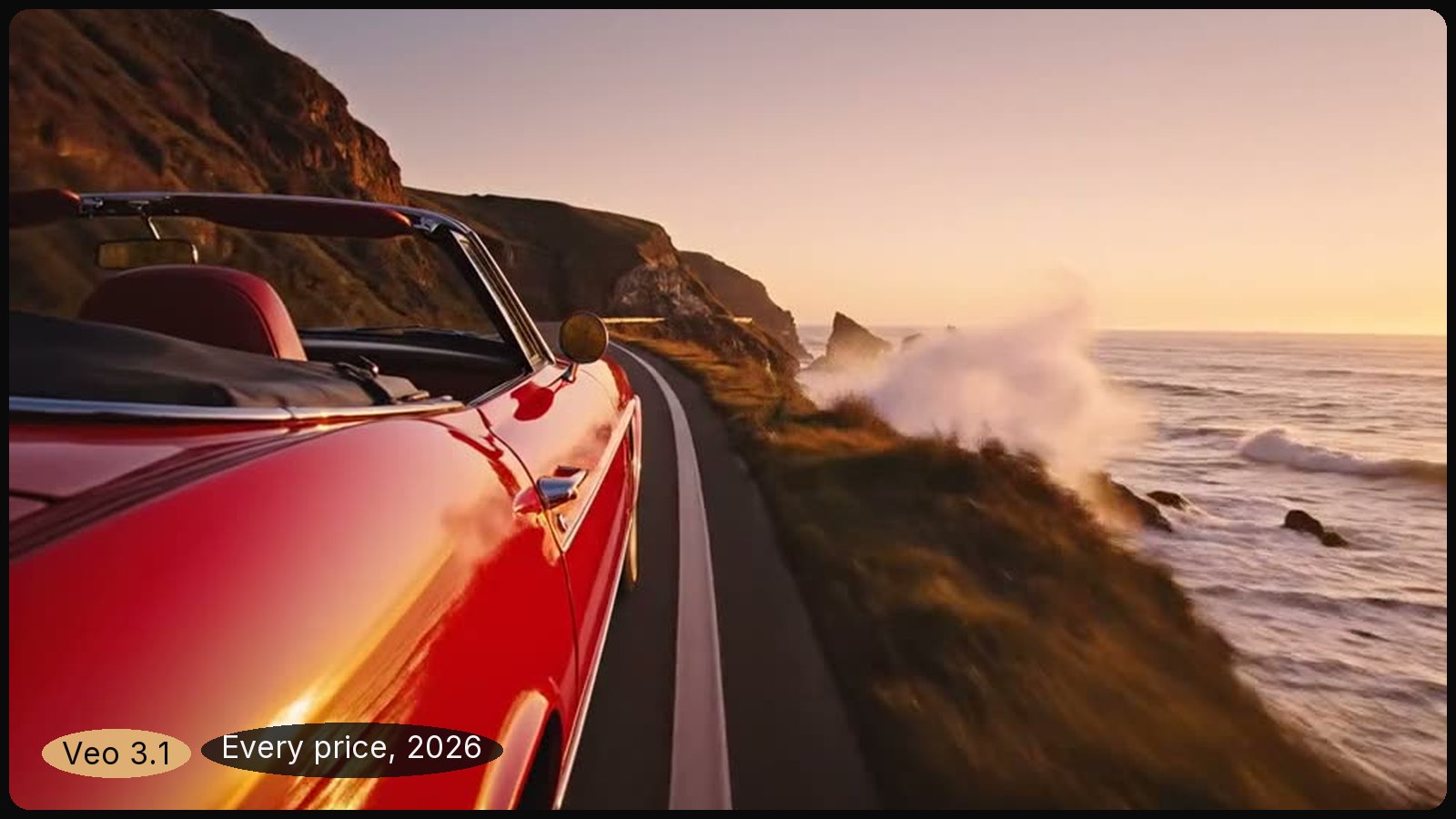
On Cinevane, a 4-second Veo 3.1 Fast video with sound costs 99 credits ($0.99). An 8-second video at 1080p with sound costs 198 credits ($1.98). Turn sound off and it is cheaper. If a video fails, you get your credits back automatically.
Three things set the price: the length (4, 6 or 8 seconds), the quality (720p, 1080p or 4K), and whether it makes sound. On Cinevane, 720p and 1080p cost the same, so always pick 1080p.
What does every length, quality and sound option cost?
With sound
| Length | 720p or 1080p | 4K |
|---|---|---|
| 4 seconds | 99 credits ($0.99) | 231 credits ($2.31) |
| 6 seconds | 149 credits ($1.49) | 347 credits ($3.47) |
| 8 seconds | 198 credits ($1.98) | 462 credits ($4.62) |
Without sound
| Length | 720p or 1080p | 4K |
|---|---|---|
| 4 seconds | 66 credits ($0.66) | 198 credits ($1.98) |
| 6 seconds | 99 credits ($0.99) | 297 credits ($2.97) |
| 8 seconds | 132 credits ($1.32) | 396 credits ($3.96) |
How many Veo 3.1 videos do you get on each plan?
Veo 3.1 is part of the Pro plan and up. Counting 8-second videos at 1080p with sound:
| Plan | Price | Credits a month | About this many Veo 3.1 videos |
|---|---|---|---|
| Pro | $100/month | 10,000 | 50 |
| Studio | $300/month | 30,000 | 150 |
| Unlimited | $500/month | 40,000 | 200 |
What is Google changing in December 2026?
Google is moving its own apps to newer video models. Its Flow help page says that on December 5, 2026, Veo 3.1 Fast and Veo 3.1 Quality will be retired in Flow, and suggests Omni Flash 1.2 or Veo 3.1 Lite instead.
Google's developer price list now shows Gemini Omni Flash 1.2 for video, at about $0.07 per second at 720p.
Veo 3.1 Fast is still available on Cinevane today. If that changes, we will update this page and the model list, and you will never be charged for a video that doesn't get made.
How much does Veo cost in Google Flow?
Google's own video app, Flow, uses credits that come with Google AI plans. According to Google's Flow help page:
| Plan | Flow credits |
|---|---|
| Everyone, free | 50 a day |
| Google AI Plus | +200 a month |
| Google AI Pro | +1,000 a month |
| Google AI Ultra | +10,000 or +25,000 a month, by tier |
| Model in Flow | Credits per video (Ultra) |
|---|---|
| Veo 3.1 Lite (4, 6 or 8 s) | 10 (5) |
| Veo 3.1 Fast (4, 6 or 8 s), until Dec 5 | 20 (10) |
| Veo 3.1 Quality (8 s), until Dec 5 | 100 |
| Omni Flash 1.2 at 720p | 3 per second |
Unused monthly Flow credits don't carry over. Flow is a good choice if you already pay for Google AI and only want Google's models.
Which way of using Veo should you pick?
- You already pay for Google AI: try Flow first, it is included.
- You want Veo next to Kling, Seedance and the rest, with one bill: Cinevane. Compare them on the same prompt in What is the best AI video generator in 2026?
- You are a developer building an app: Google's API, billed per second.
Other common questions
Does Veo 3.1 make sound?
Yes. It can make voices, sound effects and background sound together with the picture. You can also turn sound off to pay less.
How long can a Veo 3.1 video be?
4, 6 or 8 seconds per video.
Can I make vertical videos?
Yes, Veo 3.1 makes wide (16:9) or tall (9:16) videos.