What is text to video AI?
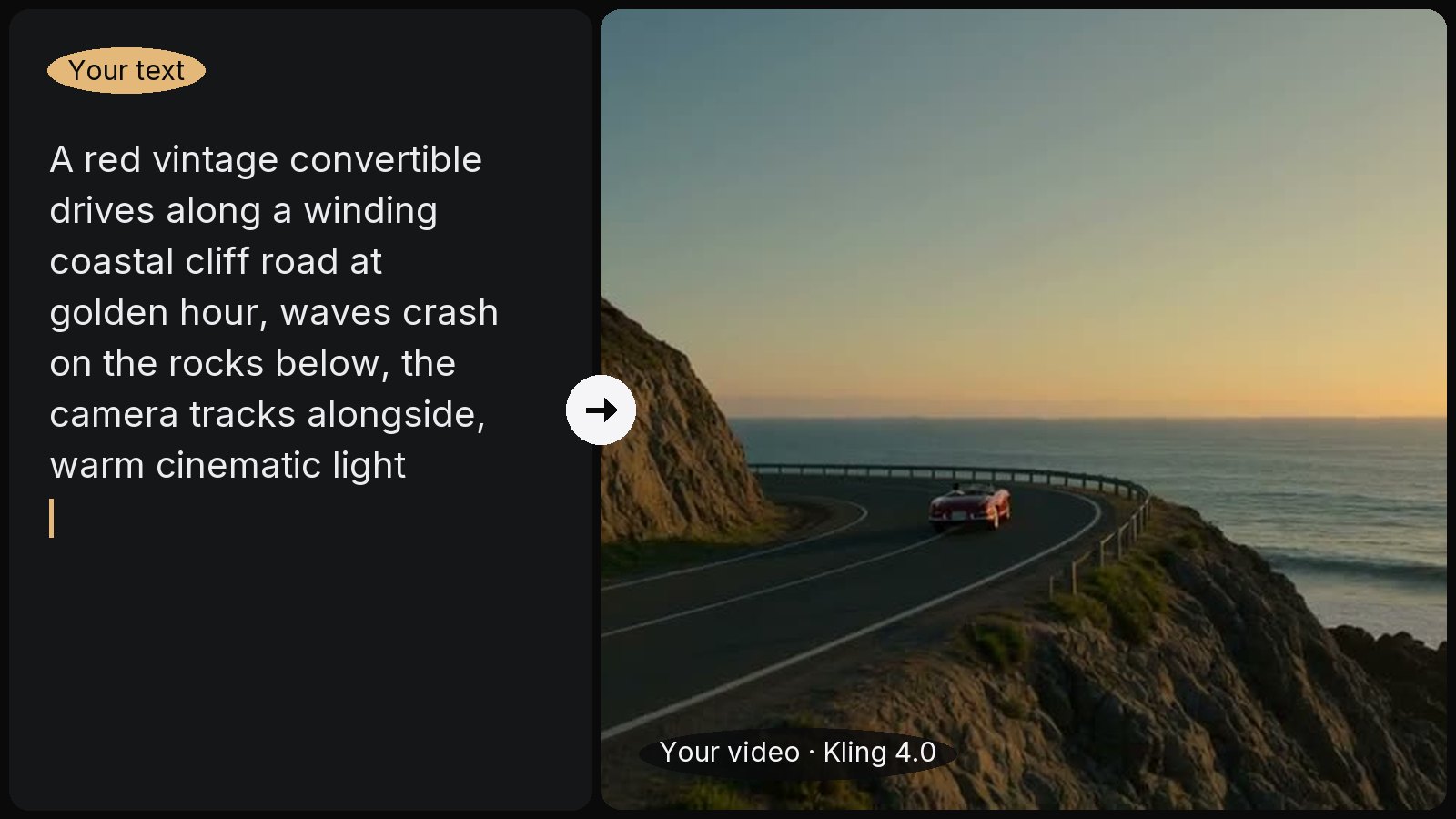
Text to video AI is a tool that makes a short video from words. You describe what you want to see, for example "a red car driving along a cliff road at sunset", and an AI model creates a matching video clip, usually 5 to 15 seconds long.
You don't need a camera, actors or editing skills. The AI models learned what the world looks like from huge amounts of video, so they can "film" almost anything you can describe. Different models are good at different things: some make the smoothest movement, some add sound and voices, some are cheap and fast.
What do you need to make a video from text?
- An idea, in one or two sentences. Who or what is in the video, what happens, and where.
- An account with credits. Each video costs credits, and you see the price before you click.
- Optional: a picture. If you want the video to start from a specific photo, add it as a start frame. That is called image to video.
How do you make a video from text, step by step?
- Open the video studio (or the prompt box on your Home page) and sign in with Google.
- Type what you want to see. Say who is in it, what they do, where it happens and how the camera moves. Our tips below help.
- Pick an AI model. Not sure? Start with Kling 4.0 for smooth movement, or Wan 3.0 to save money.
- Choose the length, the shape (9:16 for TikTok and Reels, 16:9 for YouTube) and the quality.
- Optional: add a camera move like 360 Orbit or FPV Drone. It is added to your text automatically.
- Click Generate. Most videos are ready in 1 to 3 minutes. They are saved in your Library, where you can download them as MP4.
If a video fails, you get your credits back automatically.
What does a real text to video result look like?
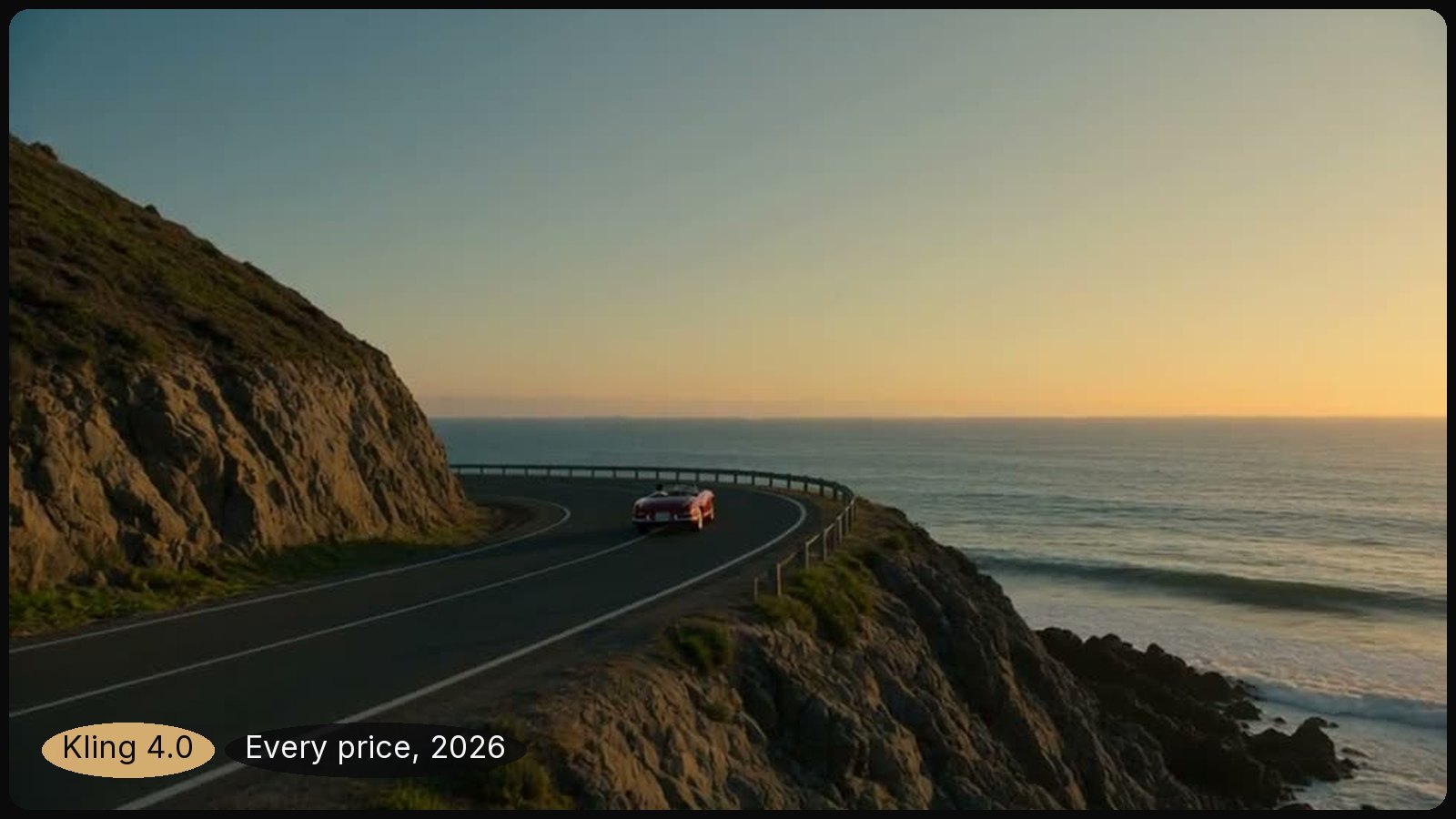
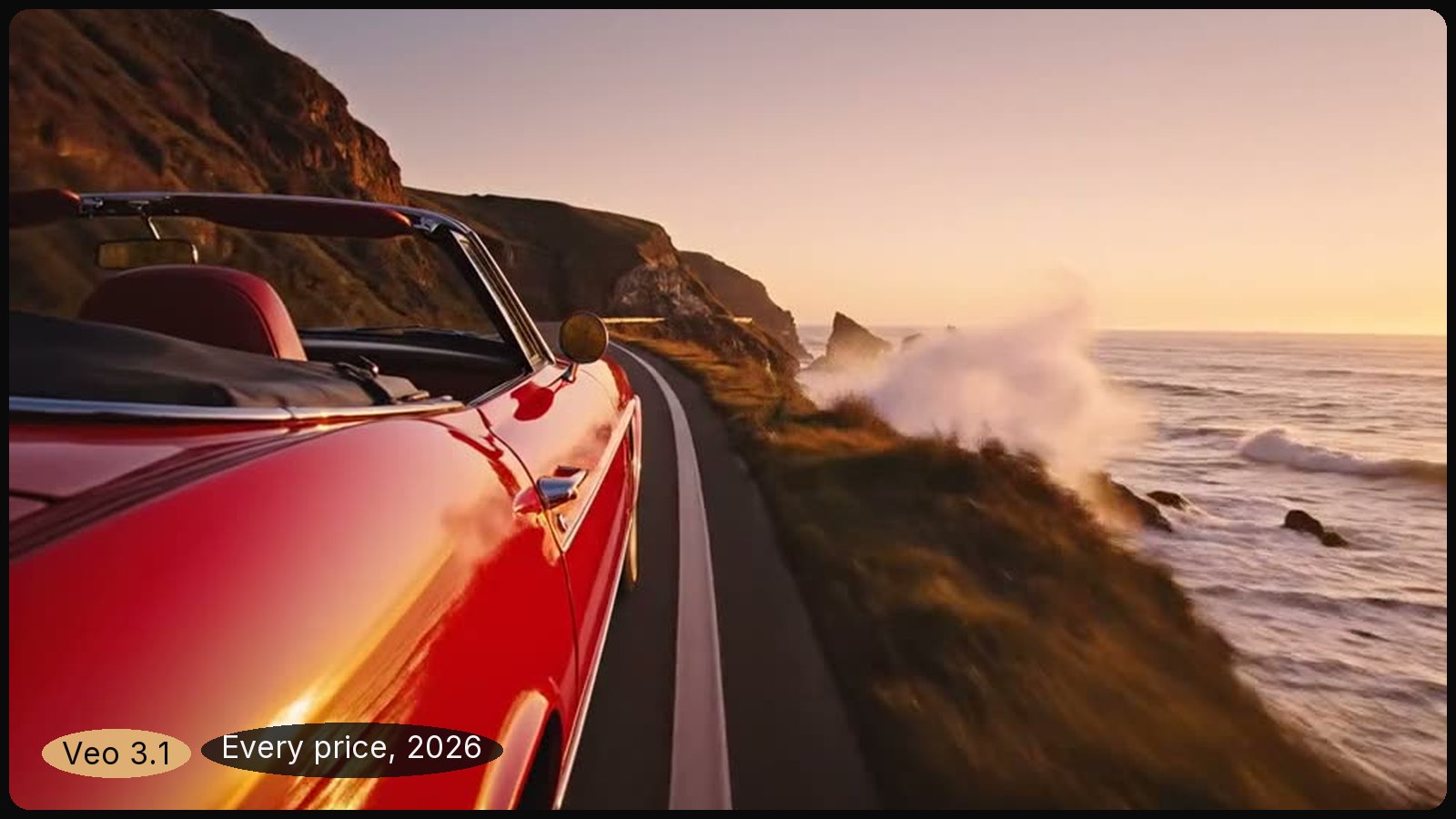
We gave this exact text to three different models:
A red vintage convertible drives along a winding coastal cliff road at golden hour, waves crash on the rocks below, the camera tracks alongside, warm cinematic light
These are the real, unedited videos. Click one to play it.
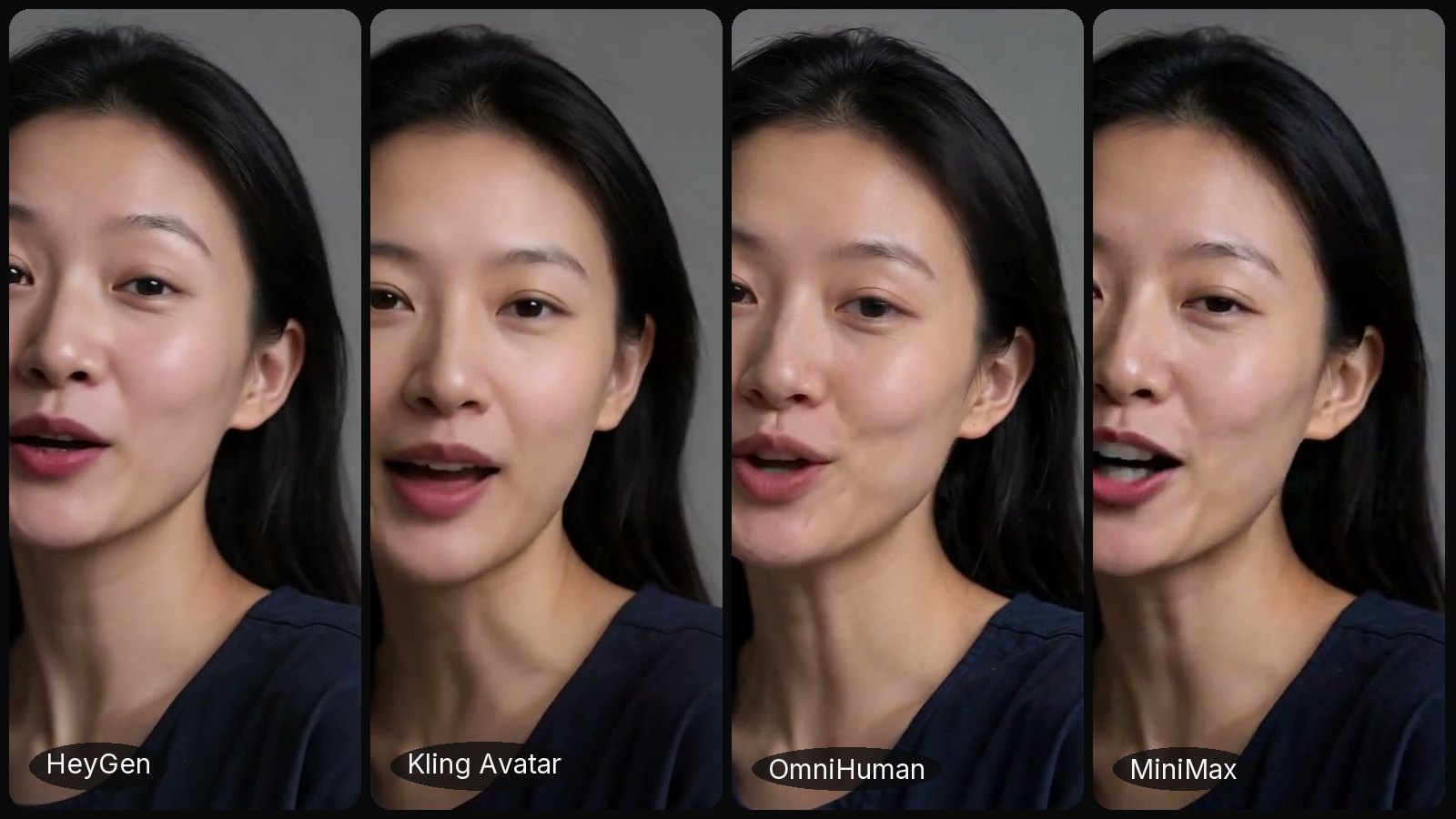
Same words, three different "directors". That is why it is worth trying your text on more than one model. Compare them in What is the best AI video generator in 2026?
Which text to video AI should you use?
| Model | Best for | 5-second clip |
|---|---|---|
| Kling 4.0 | Smoothest, most realistic movement | 130 credits ($1.30) |
| Veo 3.1 Fast | Real-looking scenes with sound and talking | 99 credits ($0.99) for 4 s |
| Seedance 2.5 Flash | Fast, lively clips with sound | 111 credits ($1.11) at 480p |
| MiniMax H3 Max | Follows your words closely | 80 credits ($0.80) |
| Wan 3.0 | Cheap, with sound | 83 credits ($0.83) |
| Wan 2.2 Turbo | Cheapest, for testing ideas | 9 credits ($0.09) |
How do you write text that makes a good video?
Good text to video prompts have the same parts: who, doing what, where, how the camera moves, and the light or mood. Compare:
| Too vague | Better |
|---|---|
| A dog at the beach | A golden retriever runs along the waves at sunset, splashing water, the camera follows low beside him |
| A city at night | Neon signs reflect on a wet Tokyo street at night, a woman in a red coat walks past, the camera slowly pushes in |
| Coffee ad | A cup of coffee on a wooden table, steam rising, morning sun through the window, slow push in, cozy |
- One main action per video. Too many things at once gets messy.
- Always say how the camera moves, or you often get a still shot.
- Keep it under about 60 words.
- Don't ask for words on screen. Add titles later in your editor.
Want ready-made ideas? Copy one of the 25 text to video prompts that work.
How much does it cost to make a video from text?
On Cinevane, 1 credit is about 1 cent. A 5-second clip costs from 9 credits ($0.09) on Wan 2.2 Turbo up to 130 credits ($1.30) on Kling 4.0. The exact price always shows on the Generate button.
Plans start at $50 a month. The Pro plan ($100 a month) gives 10,000 credits, which is about 75 Kling 4.0 videos. See all plans.
Other common questions
Is text to video AI free?
Making AI video costs real computing power, so good tools aren't free. On Cinevane you see the price before every video.
How long can an AI video be?
Each clip is 4 to 15 seconds, depending on the model. For longer videos, make several clips and join them in an editor like CapCut.
Can the AI make people talk?
Yes. Veo 3.1 can make people speak with sound. To make a specific photo talk, see How do you make a photo talk with AI?
Can I use my own photo instead of text?
Yes, add it as a start frame and describe only the movement. That is called image to video.
Can I use the videos for my business?
Yes, following our Terms and each model's rules. Don't make videos of real people without their permission.