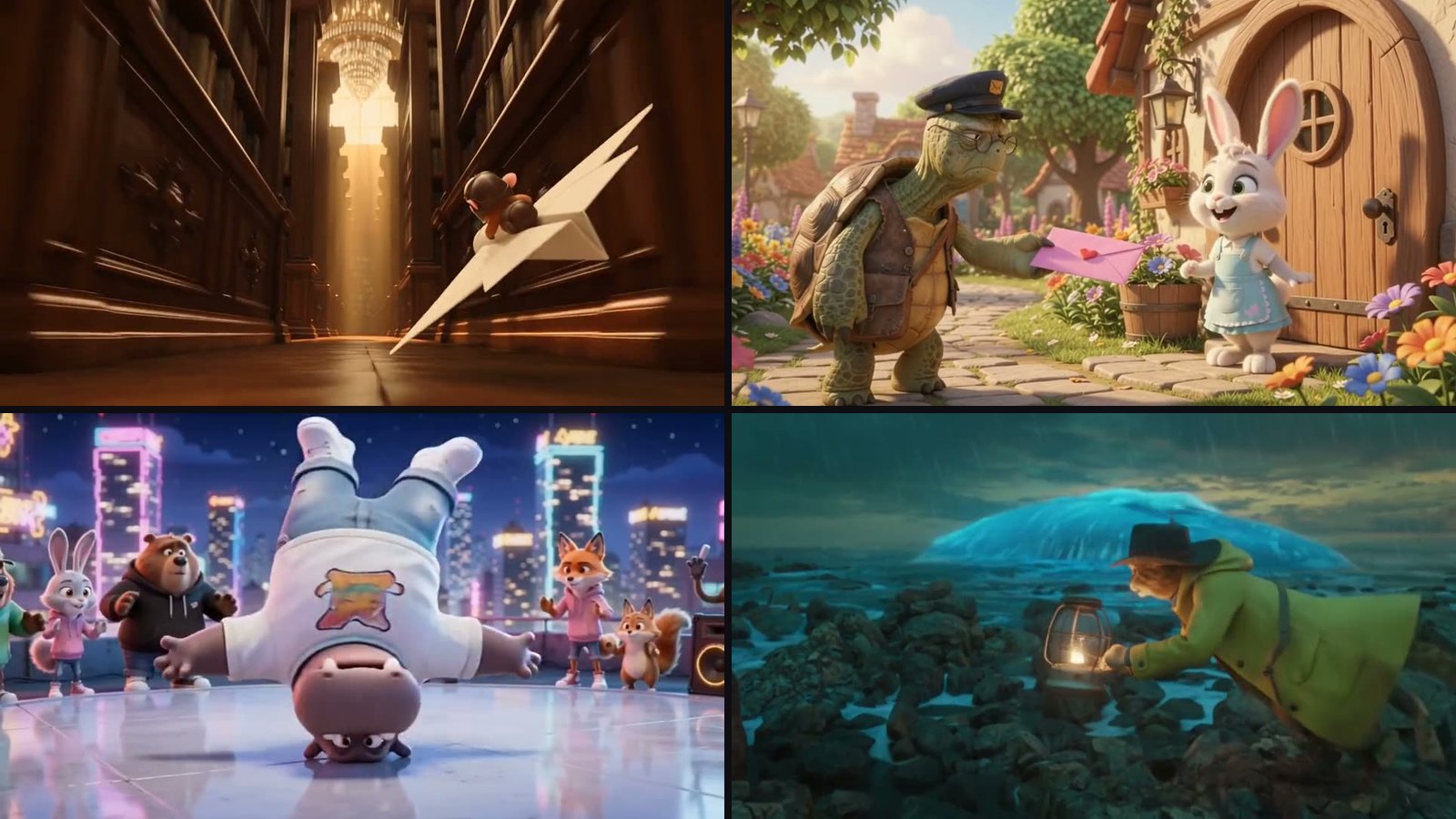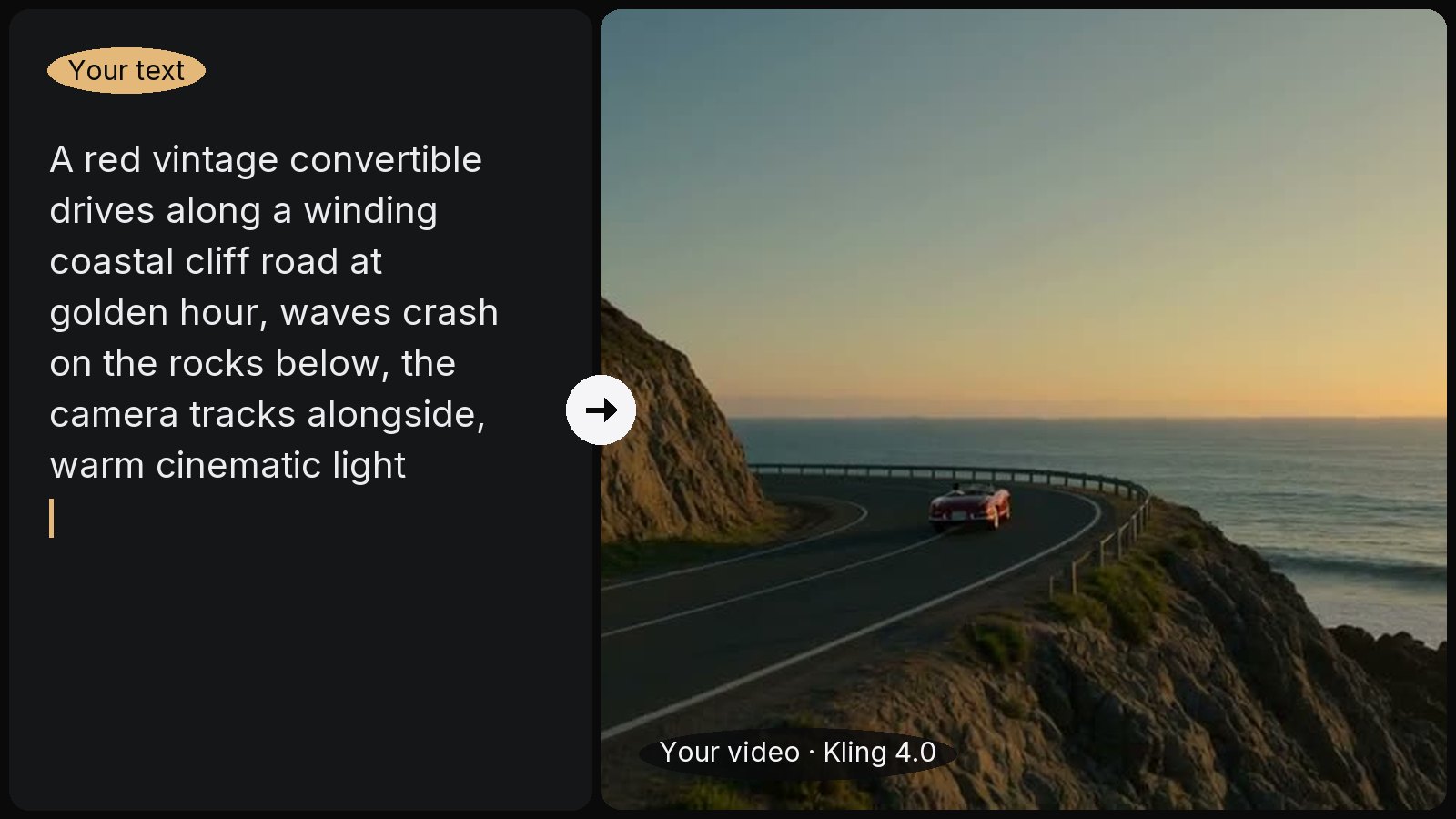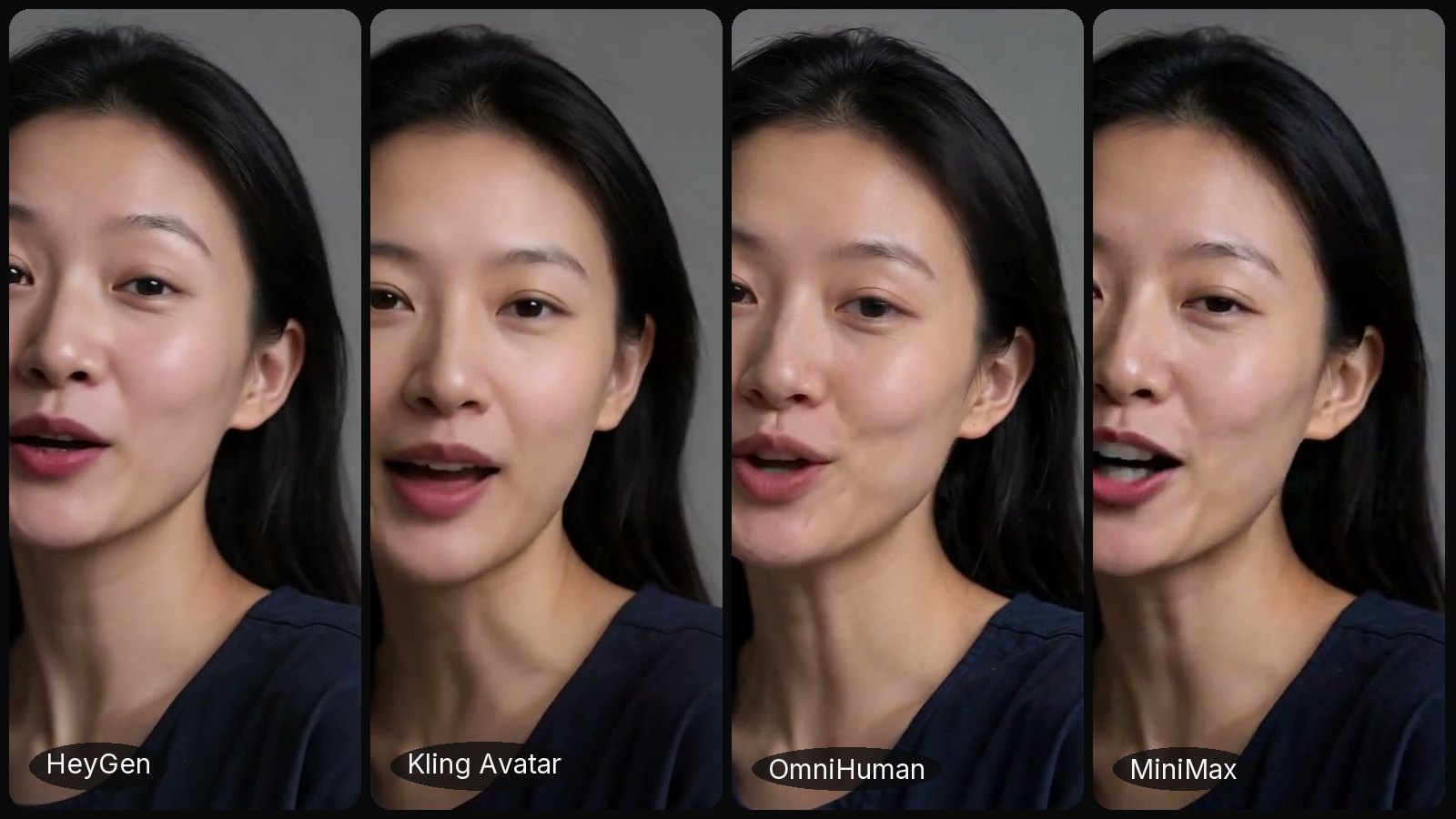
What is photo to video AI?
Photo to video AI (also called image to video) turns one still picture into a short video. You give the AI a photo as the start frame and describe what should happen, like "she turns and smiles" or "the camera slowly flies forward". The AI keeps the look of your photo and makes it move.
It works with real photos, product shots, old family pictures, drawings and AI images. Clips are usually 5 to 10 seconds long, and some models go up to 30 seconds.
What does it look like?
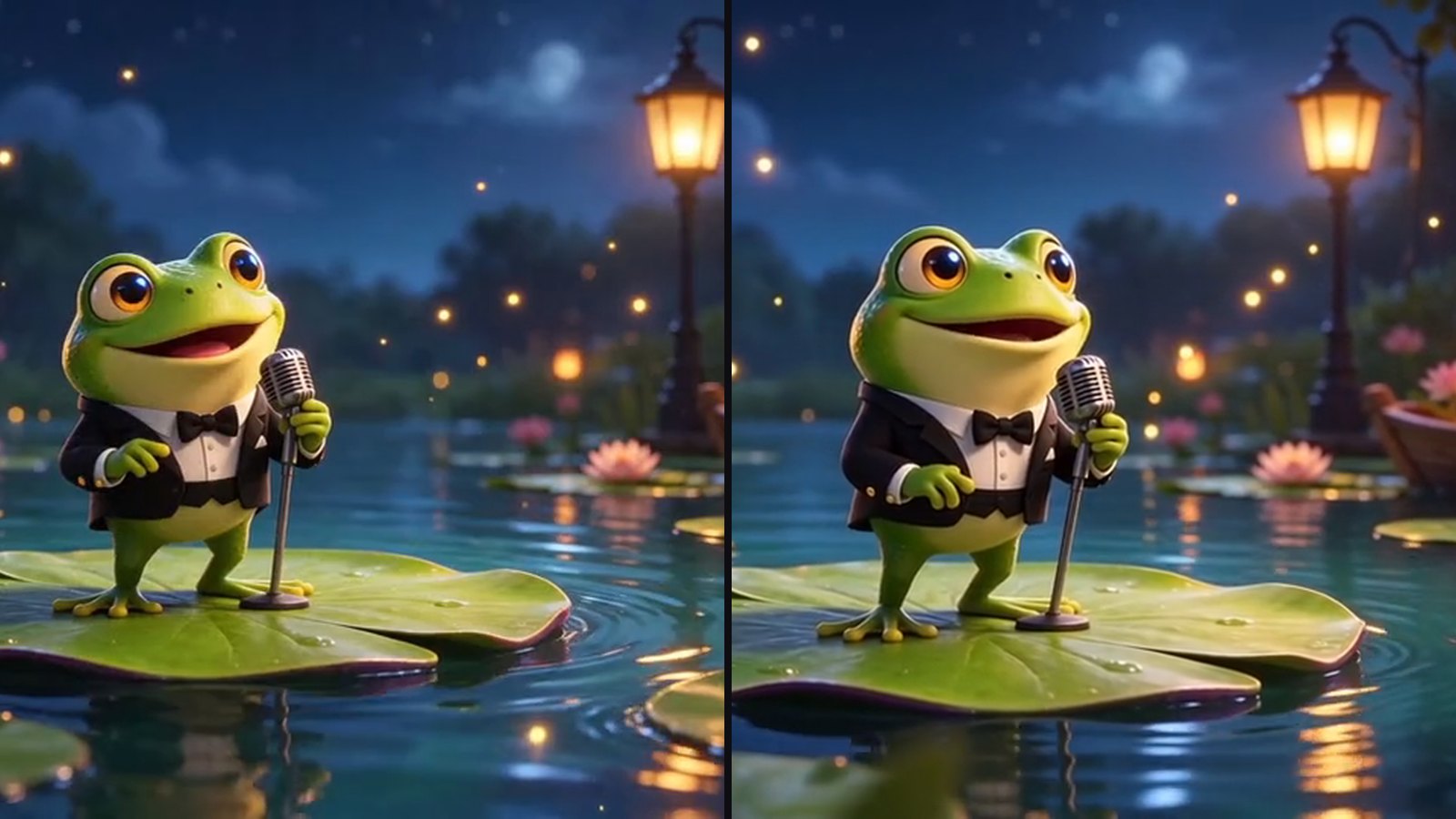
We made this picture first, then gave it to Vidu Q4, a photo-to-video model, with one line describing the movement:
The frog opens his eyes, smiles and sings into the microphone, "Welcome to the Lily Pad Lounge!" Lanterns sway gently and crickets chirp.
Made from one picture, with sound.
How do you turn a photo into a video, step by step?
- Open the video studio.
- Click Start frame and add your photo. The video will begin exactly on this picture.
- Describe only the movement: what moves, how, and how the camera moves. The photo already shows the rest.
- Pick a model, the length and the quality. Some models also let you add an end frame, a second photo the video finishes on.
- Check the price on the Generate button and click it. Most videos are ready in a minute or two.
Which AI model is best for photo to video?
| Model | Best for | Short clip from a photo | Plan |
|---|---|---|---|
| Kling 4.0 | The smoothest, most natural movement. Can also set the last frame. | 130 credits ($1.30), 5 s | Pro and up |
| Seedance 2.5 | Long clips, up to 30 seconds, and up to 4K. | 391 credits ($3.91), 5 s | Pro and up |
| Gemini Omni Flash 1.2 | Sound and speech, so people in the photo can talk. | 55 credits ($0.55), 4 s | Pro and up |
| Vidu Q4 | Made for photos. Sound included, low price. | 79 credits ($0.79), 5 s | Every plan |
| Wan 3.0 | Good everyday quality for a low price. | 83 credits ($0.83), 5 s | Every plan |
| Wan 2.2 Turbo | The cheapest, for quick drafts. | 17 credits ($0.17), 5 s | Every plan |
Not sure? Start with Wan 3.0 to test your idea cheaply, then make the final version with Kling 4.0. If a video fails, your credits come back automatically.
Can you choose exactly how the camera moves?
Yes. In the video studio, pick a camera move like Dolly In, Pan or Tilt and add your photo. These moves follow an exact camera path over your picture, which is great for product shots, buildings and landscapes. You can see every move on the Explore page.
How do you get the best result?
- Use a sharp, well-lit photo with one clear subject.
- Leave some space around the subject, so it has room to move.
- Describe small, natural movements first: a smile, a head turn, hair in the wind. Big actions are harder to get right from one picture.
- Add the camera move at the end of your prompt, like "slow camera push in".
- Only use photos of people who have agreed, and never make anyone look like they did or said something they didn't.
Other common questions
Can I animate an old family photo?
Yes. Ask for gentle movement, like a slow smile and a blink, and the camera slowly pushing in.
Can I make the person in the photo talk?
Yes, with the Lip sync tool. See how to make a photo talk with AI.
Can I start from text instead of a photo?
Yes. See how to make a video from text.
Is it free?
No, but it's cheap to try: a short clip starts at $0.09, and you see the price before you click.